SeleniumGridDocker
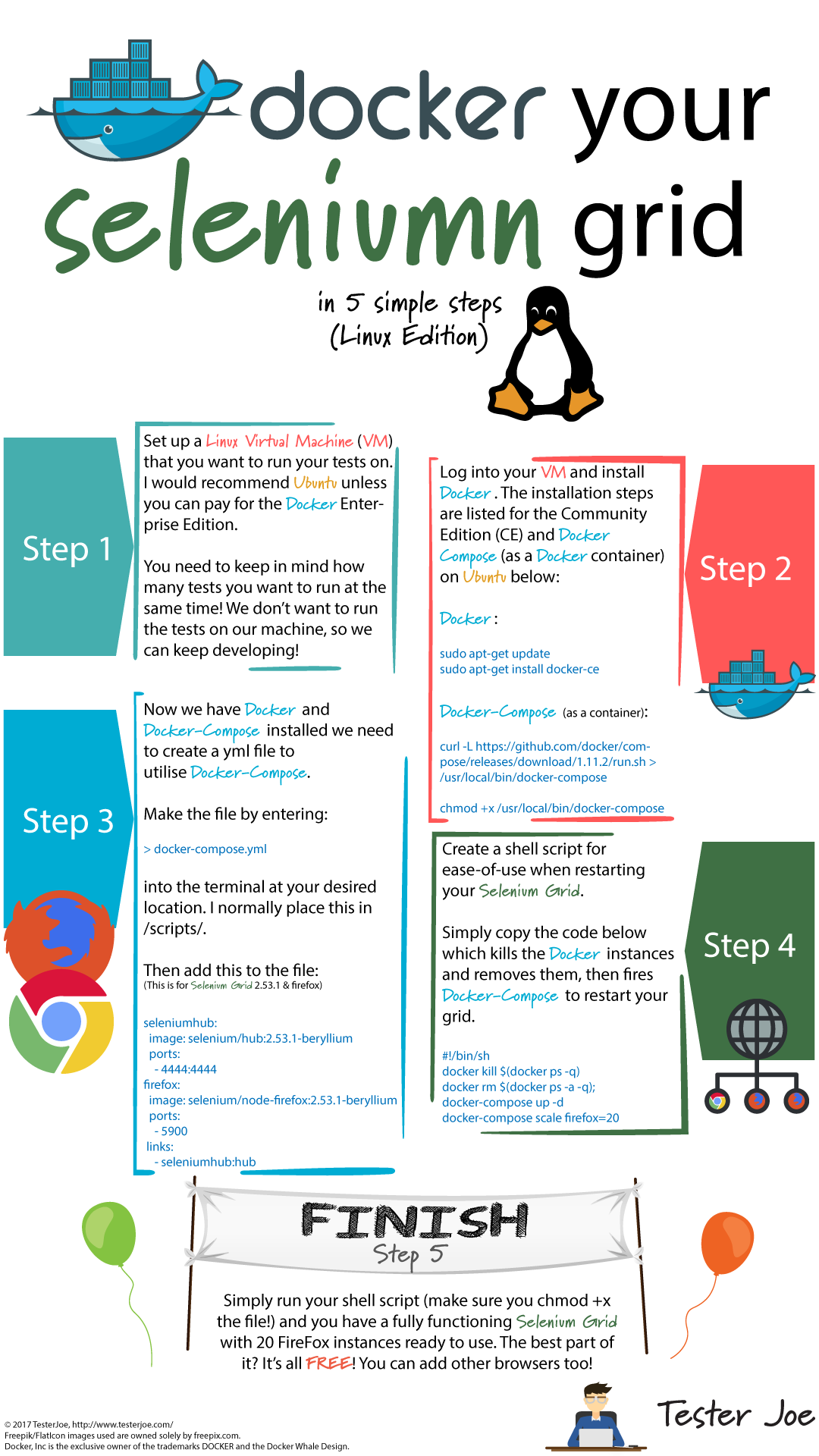
Docker your Selenium Grid in 5 simple steps (Linux Edition)
Setup 1- Setup your linux machine that you want to run your tests on , recommended to use Ubuntu. 2- Install Docker and Docker-compose
sudo apt-get update
apt-get install docker-ce
curl -L https://github.com/docker/compose/releases/download/1.18.0/docker-compose-`uname -s`-`uname -m` -o /usr/local/bin/docker-compose
chmod +x /usr/local/bin/docker-compose
3- Now we have Docker and Docker-compose installed then we need to create our yml file
docker-compose.yml
4- Then we will create shell script to fires docker-compose and run selenium grid
run.sh
5- Simply run your shell script and you will have fully functioning Selenium Grid with 5 Firefox instances and 5 Chrome instances
sh run.sh
6- Now you can open your browser and redirect to selenium grid url
http://localhost:4444/grid/console
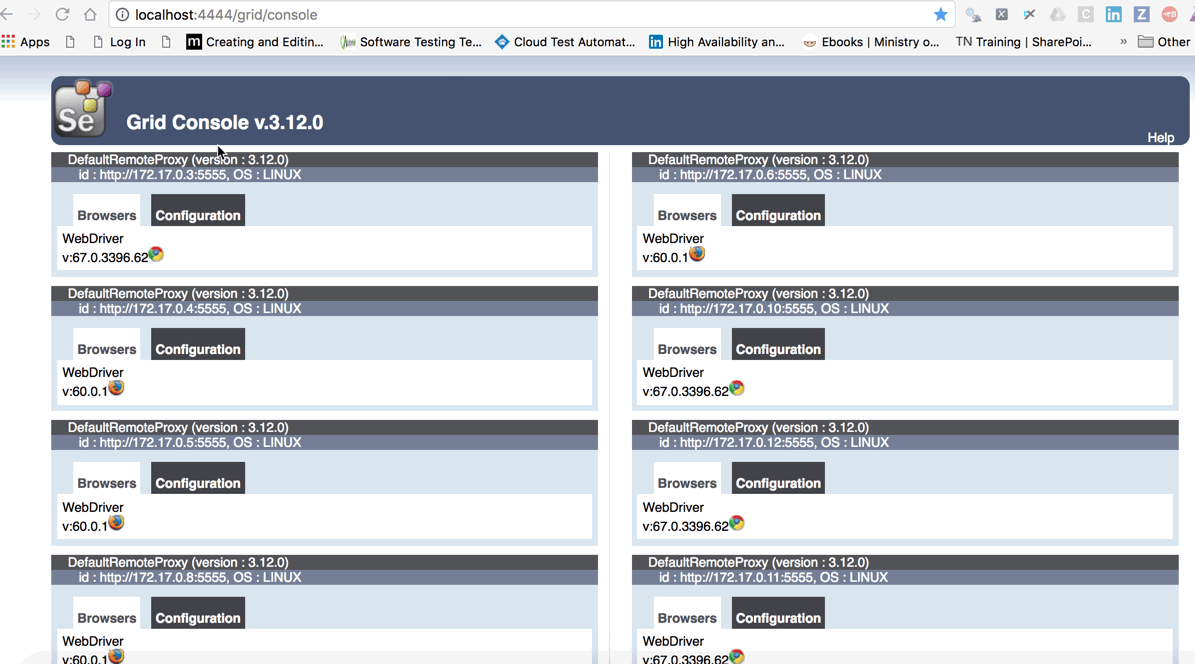
7- In your test project you can use the url in your test cases with Desired Capabilities for Chrome and Firefox browsers
Note: If you want to stop the docker-compose you can use:
docker-compose down
For reference: